 Nano Banana 2.5
Add a subject image
Upload a portrait, product or illustration with a clear subject and recognizable edges.
Click to upload or drop an imageJPG / PNG / WEBP · 5 MB
Credits required:—
Loading prices…
Processed images will appear here
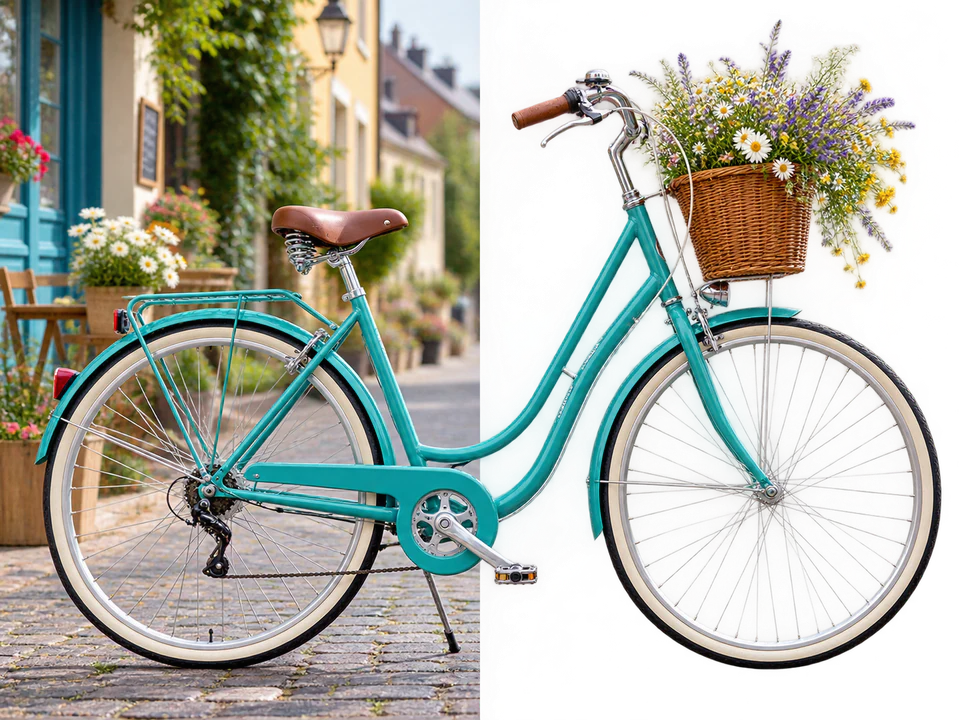
Your processed images appear here and remain available after refreshing.
Nano Banana 2.5 removes the background and returns a transparent result for product, portrait and illustration work.
Three steps to choose your image, settings and output direction.
Upload a portrait, product or illustration with a clear subject and recognizable edges.
Background removal returns a transparent result that you can continue using in designs, product layouts and other compositions.
Pay attention to hair, transparent objects and fine structures before planning the final layout.
Portraits, products, pets and illustrations with a clear subject are useful inputs. Strong separation makes edges easier to assess.
Background removal returns a transparent result. The exact file format follows the task result. Add a white or black background later in your design tool when needed.
JPG, PNG and WEBP images up to 5 MB are supported; each dimension must be 256–4096 pixels, with at most 16 million pixels.
Inspect hair, fur, glass, translucent materials and fine structures for lost subject detail.