 Nano Banana 2.5
Start with a sentence
Describe your subject, setting and mood, then develop your idea in the image or video workspace.
From a first idea to something worth sharing.
Describe an idea above to get started.
Give your imagination a visual voice.
Give your imagination a visual voice.
Give your imagination a visual voice.
Every story starts with a first frame.
Explore different styles and find your inspiration.
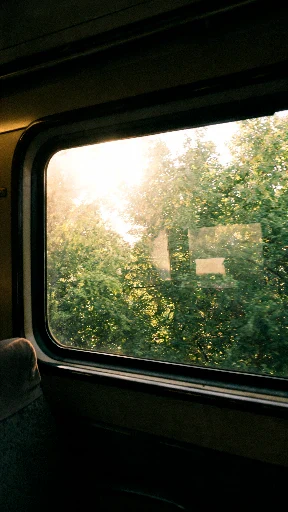
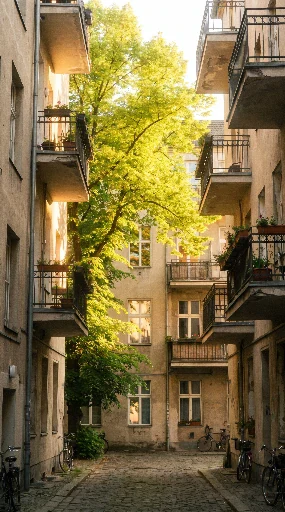
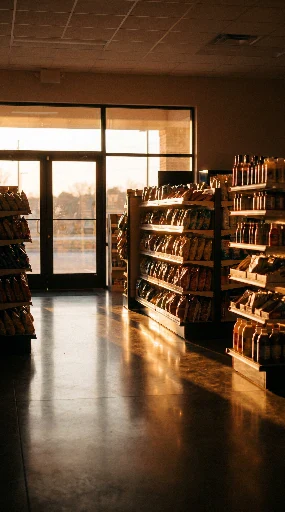
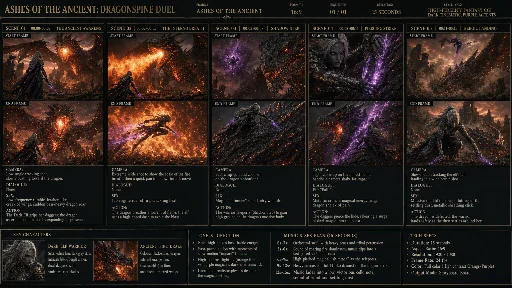
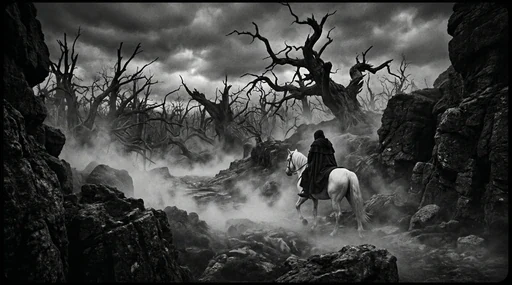
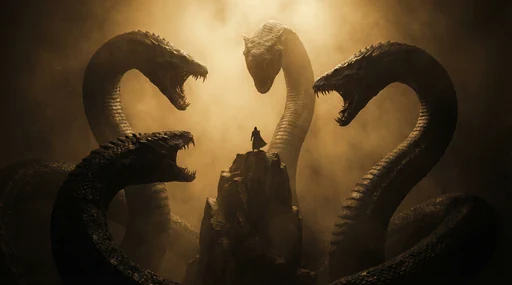
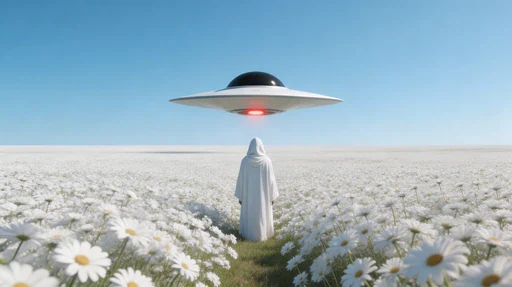
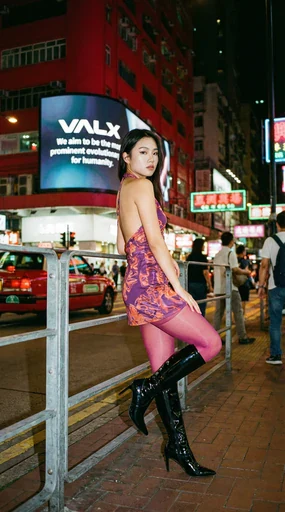
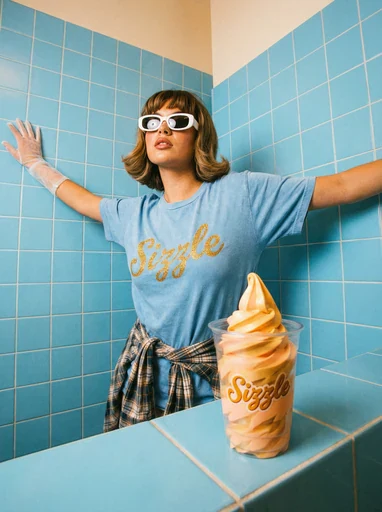
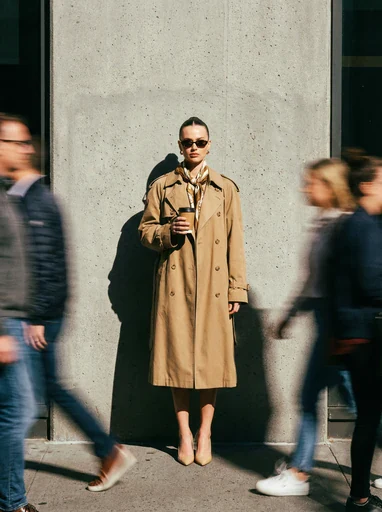
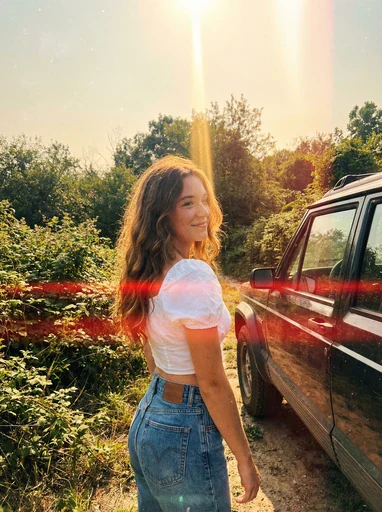
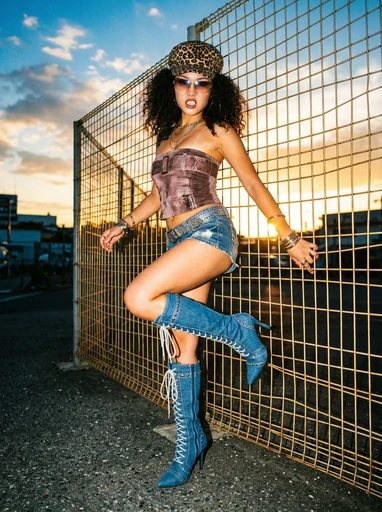
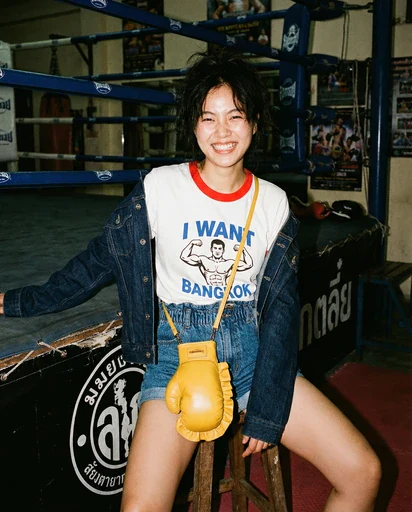
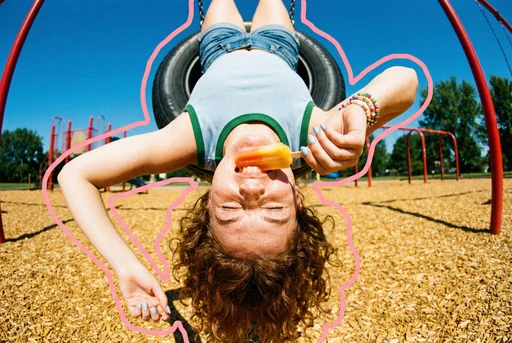
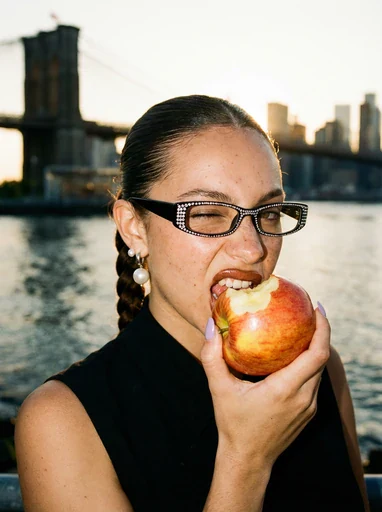
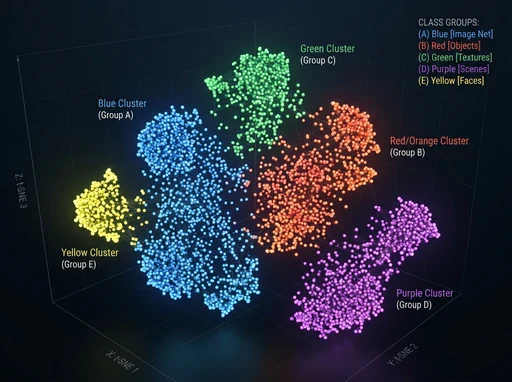
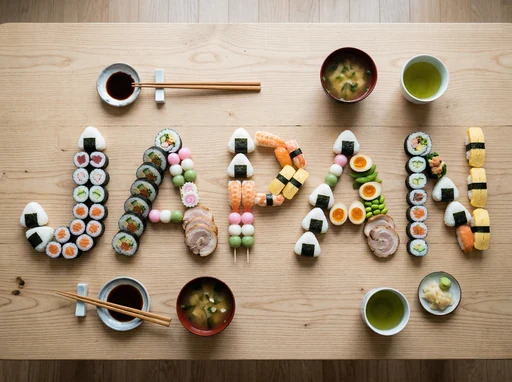
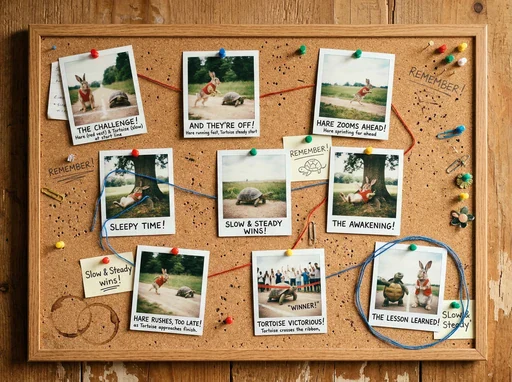
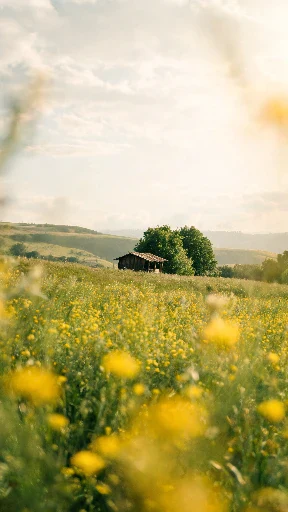
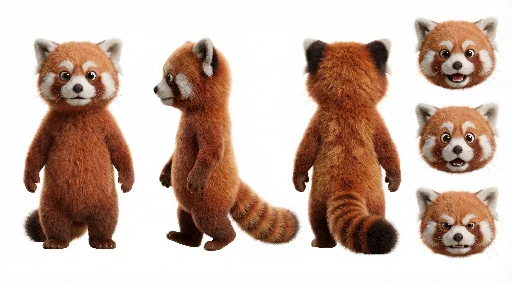
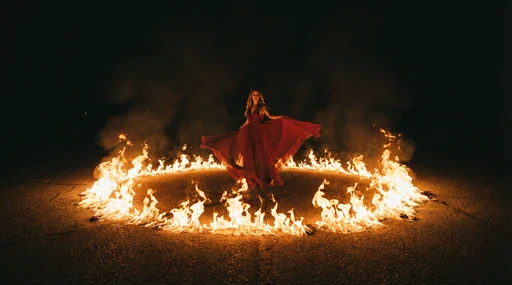
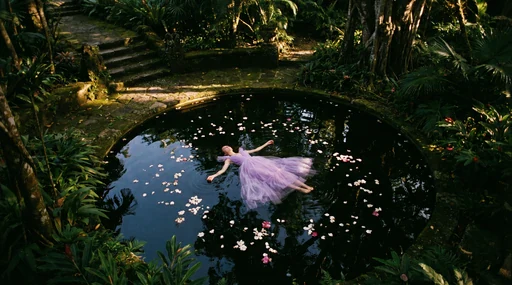
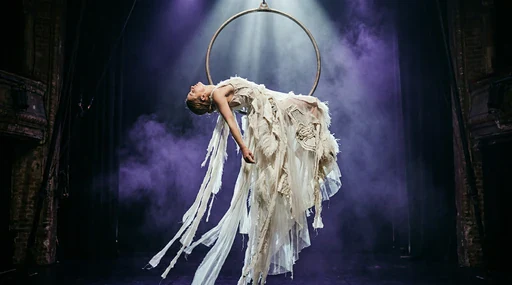
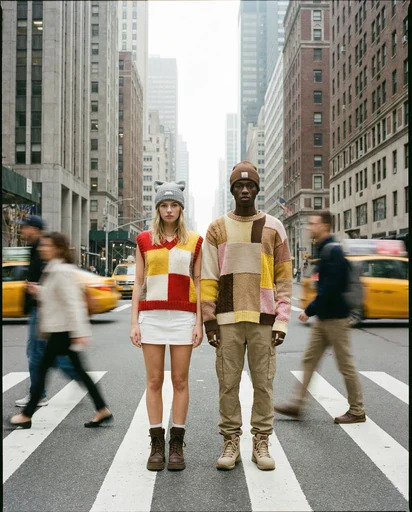
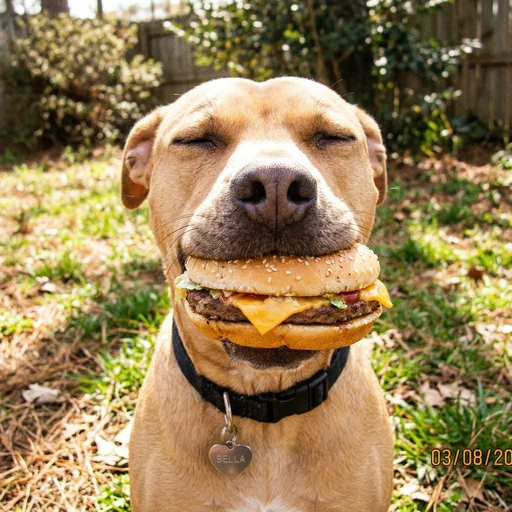
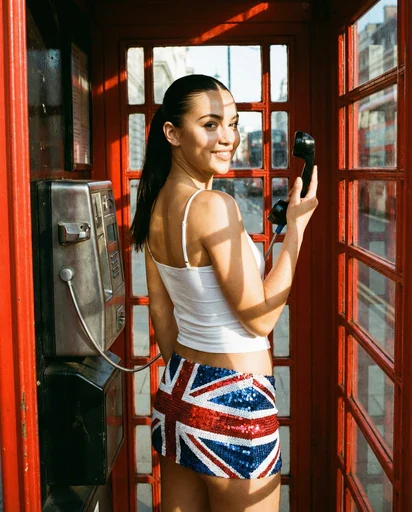
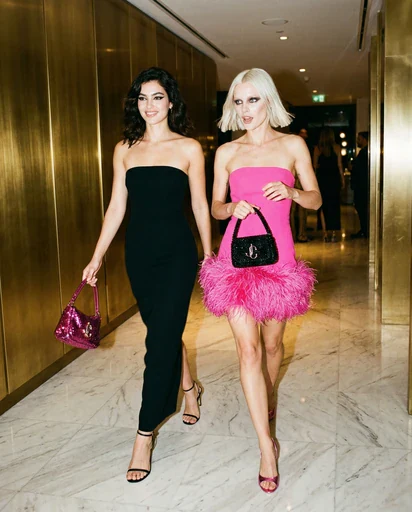
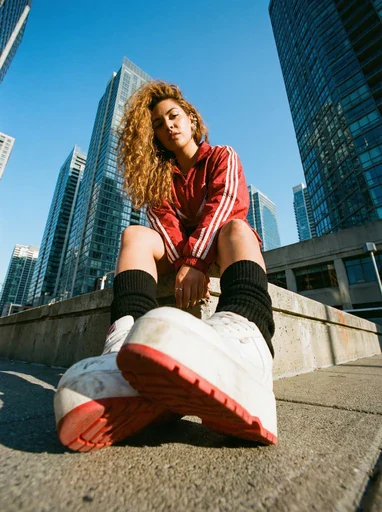
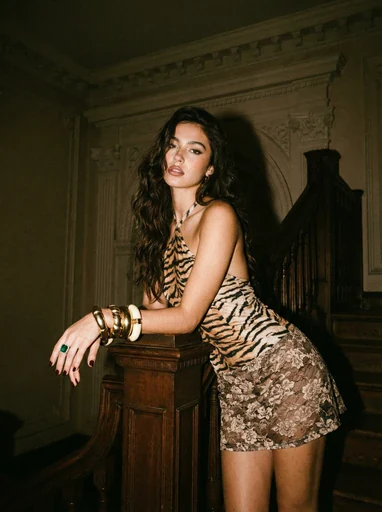
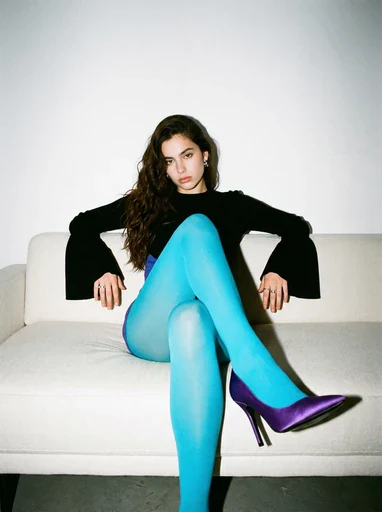
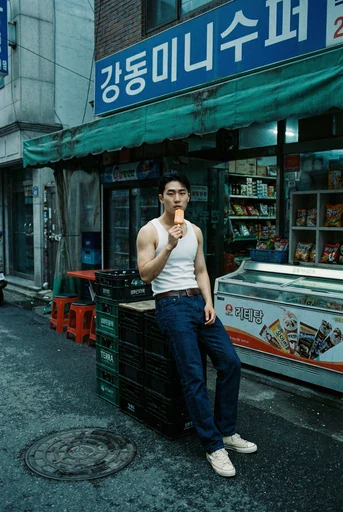
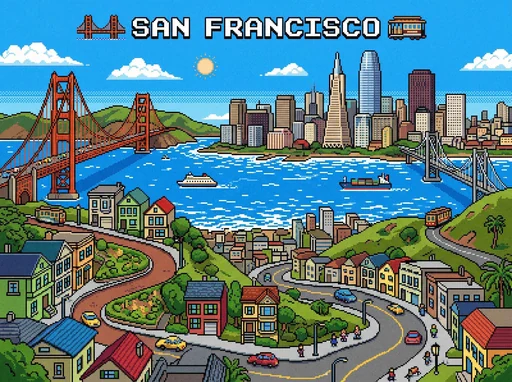
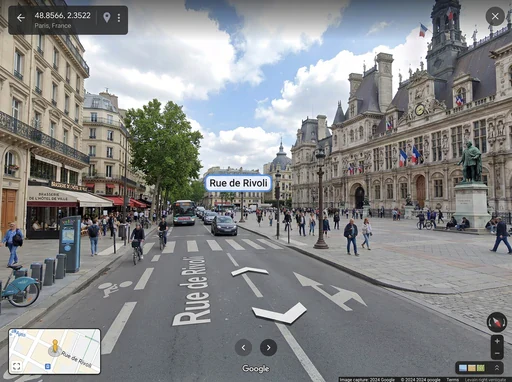
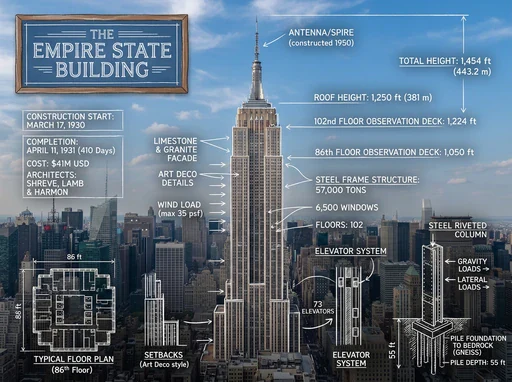
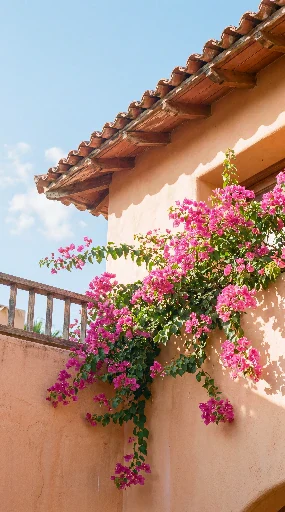
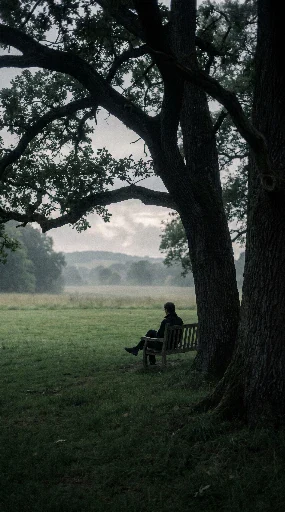
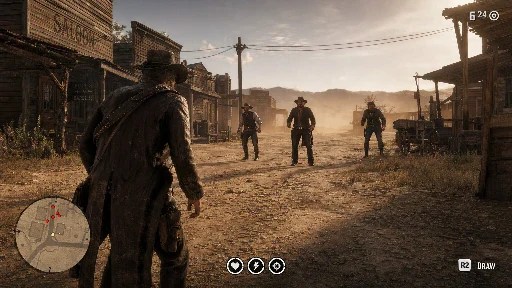
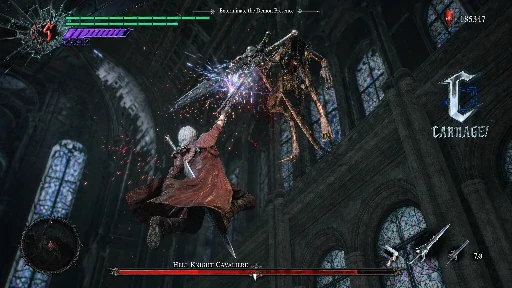
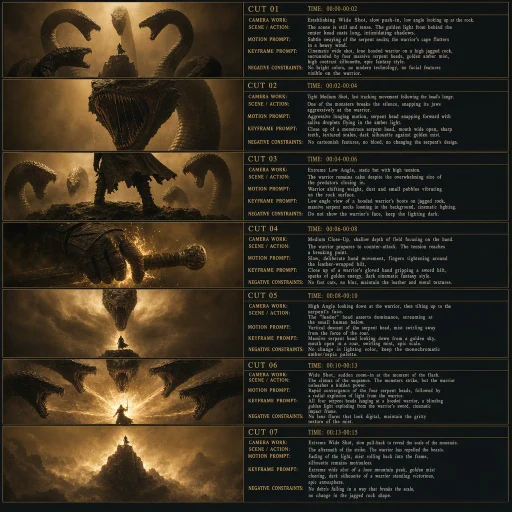
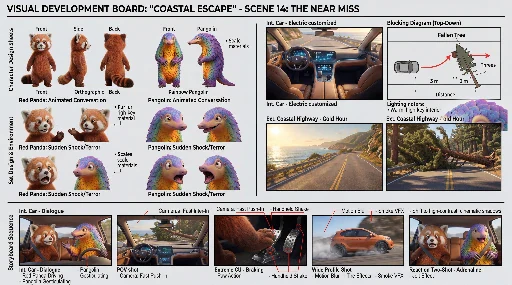
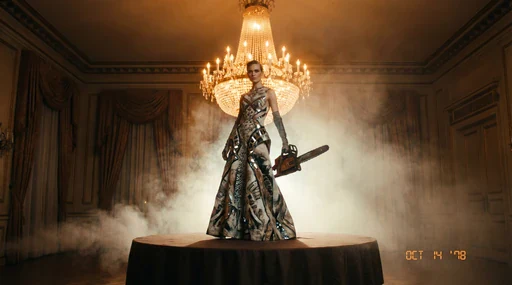
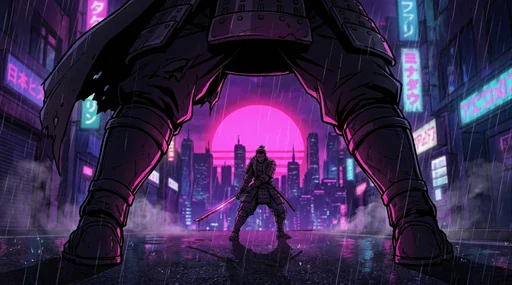
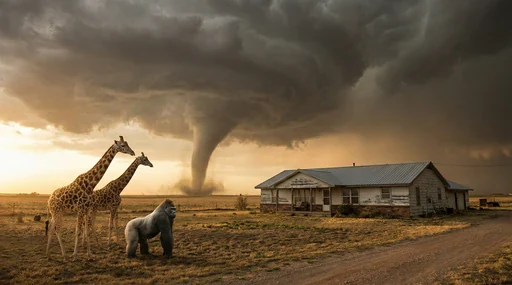
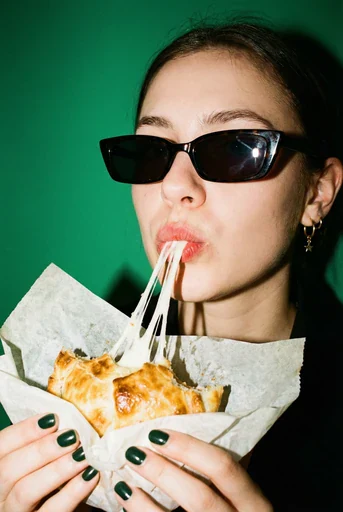
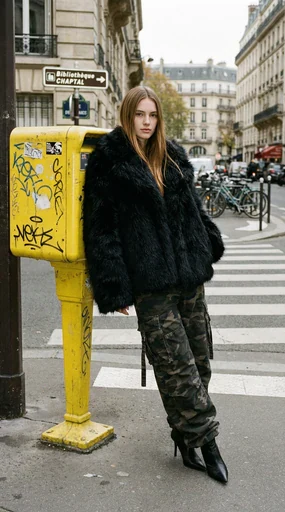
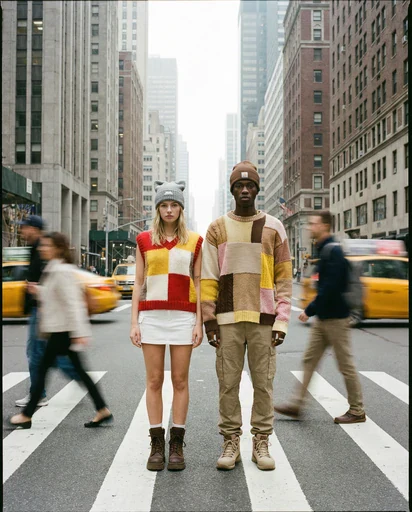
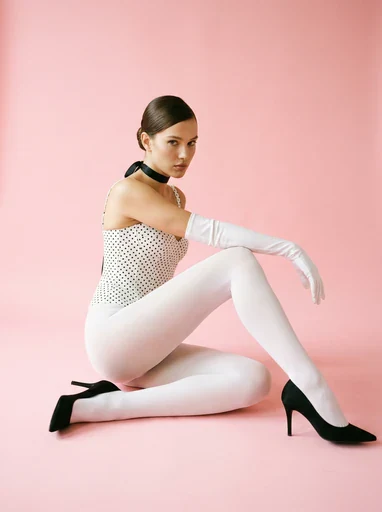
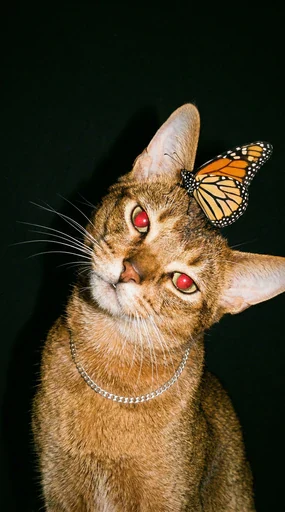
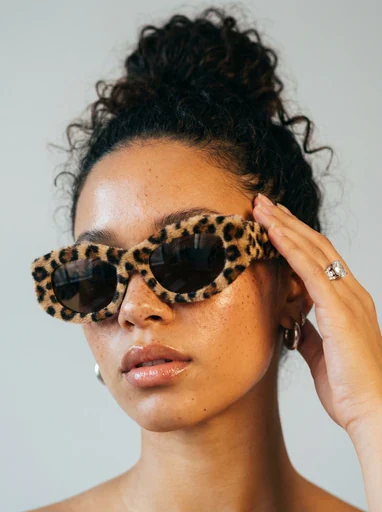
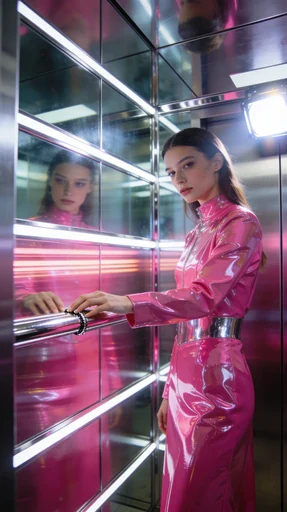
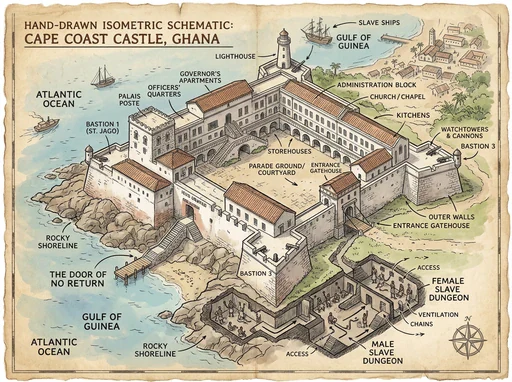
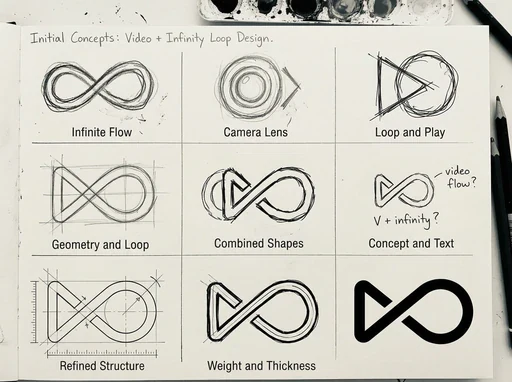
Nano Banana 2.5 is an advanced AI image generation and editing tool designed for sharper visual quality, stronger reference fidelity and more precise refinement. It understands natural-language prompts, preserves recognizable subjects and blends edits into the original scene.
From people, products and scenes to posters, illustrations and social graphics, choose a model, aspect ratio and resolution in one workspace, review the generated result, and continue editing the next version. Available models, input limits, image quality and credits are shown in the creation panel.
Describe your subject, setting and mood, then develop your idea in the image or video workspace.
Explore composition, color and light through portrait, illustration and character ideas.
Add reference images in the workspace to build on a person, material or scene.
Plan the details of an image or the action, camera movement and atmosphere of a shot.
Choose a model, aspect ratio and output settings. Discover a new direction with random prompts.
Save local drafts, collect Showcase ideas or export your creative brief to revisit later.
Describe the subject, setting and style to generate an image, or upload a reference and explain the changes you want. Refine the result with further edits to develop a finished visual.
Combine text prompts and reference images to explore composition, lighting and materials. Generation and editing share one workspace, making it easy to develop variations around the same subject and refine individual details.
Create portraits, product scenes, landscape concepts, posters, illustrations and architectural visuals. Describe the intended use and visual style, whether you want a photographic look, a cinematic scene or a stylized illustration.
Start with the main subject and action, then add the setting, framing, light, colors and materials. For example: a glass perfume bottle on a stone surface, soft side lighting, a close-up and room for a headline. For edits, state both what to change and what to preserve.
Yes. Nano Banana 2.5 offers free trial credits. Sign in to view your available credits and check the cost before submitting a task. Once your trial credits are used, you can choose a credit plan.
Upload JPG, PNG or WEBP references and follow the selected model’s file limits. Nano Banana 2.5 offers 1K, 2K and 4K output. Available aspect ratios and resolutions appear in the creation panel; downloaded files use the format returned by the generation task.