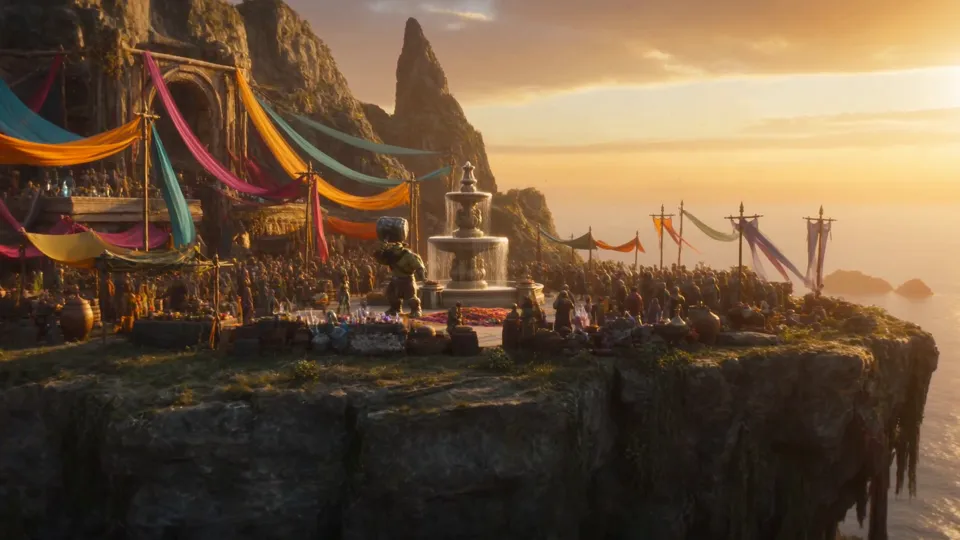
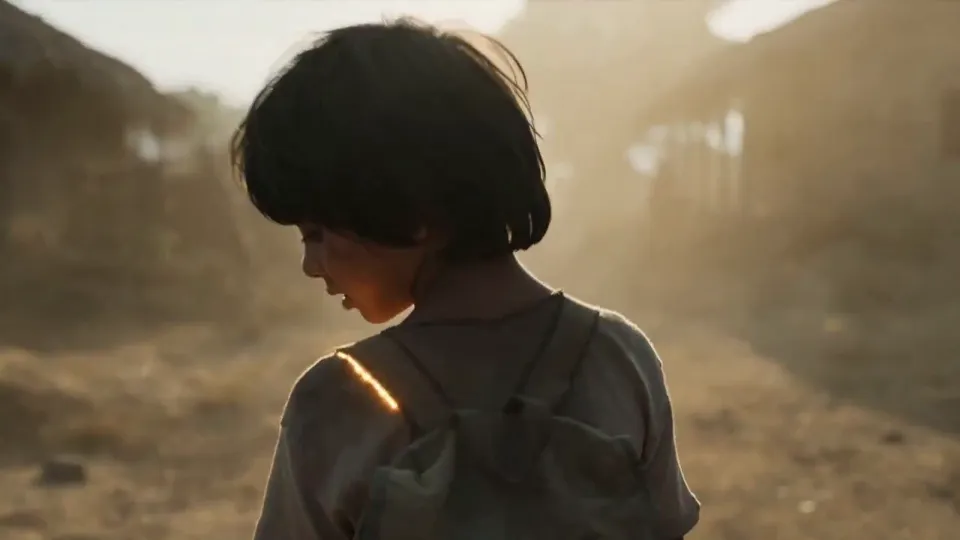
Seedance 2.0 Mini is ByteDance’s cost-efficient AI video model, designed to increase generation speed and reduce inference costs. It supports text-to-video, image-to-video, consistent character generation, and cinematic camera movement for scaled AI video applications and production workflows.
Estimated costLoading prices…
Seedance 2.0 Mini · Imagine freely. Create effortlessly.
Seedance 2.0 Mini video generation: faster than Seedance 2.0 Fast
Seedance 2.0 Mini is optimized for generation speed and is faster than Seedance 2.0 Fast, helping creators shorten wait times, increase throughput and handle high-volume AI video tasks.
1
Generate AI videos faster and at lower cost with Seedance 2.0 Mini
Seedance 2.0 Mini is optimized for speed and cost, helping teams iterate on ideas and produce content at volume. Explore prompts, motion and camera variations with shorter waits for everyday video production.
2
Seedance 2.0 Mini: combine image, video and audio references
Seedance 2.0 Mini supports image, video and audio references. Define appearance with images, guide action and camera rhythm with video, and use audio to express your sound direction.
3
Generate visuals and native audio with Seedance 2.0 Mini
Plan visuals and sound in the same creation. Describe dialogue, music, ambience and sound effects in the prompt to connect performances, camera rhythm and sound design.
4
Create cinematic multi-shot videos with AI camera control
ByteDance’s Dreamina Seedance 2.0 Mini supports cinematic multi-shot storytelling, AI camera control, and dynamic visual effects. Create videos with pans, zooms, tracking shots, and smooth transitions for a professional visual finish.
5
Generate character-consistent videos from multiple references
Use multiple image references to emphasize character traits, clothing, visual style and scene details for brand stories, character clips and episodic content.
Model specifications
Duration
4–15s / Auto
Resolution
480p / 720p
Prompt limit
20,000 characters
Reference images
9
From idea to video
1
Describe a shot
Define the subject, action, camera movement and light.
2
Choose inputs and settings
Add references and choose duration, ratio, quality and additional options.
3
Generate and refine
Review the total credits, inspect the results and refine your next version.
Frequently Asked Questions
Learn more about Seedance 2.0 Mini and its AI video generation capabilities.
What is Seedance 2.0 Mini?
Seedance 2.0 Mini is ByteDance’s cost-efficient AI video model focused on speed and cost. It supports text-to-video, image-to-video, multiple references, native audio and cinematic camera movement for short videos and high-volume content.
How is Seedance 2.0 Mini different from Seedance 2.0?
Seedance 2.0 Mini focuses on faster generation and lower cost for high-volume video tasks, while Seedance 2.0 prioritizes flagship visual quality, motion detail, and premium output. Choose between them based on throughput, budget, and quality requirements.
Does Dreamina Seedance 2.0 Mini support multiple image references?
Yes. Seedance 2.0 Mini supports up to 9 image references and can combine video and audio references to guide character appearance, motion, style, and rhythm. Check the creation panel for current file and format requirements.
Can I try Seedance 2.0 Mini online?
You can prepare prompts, upload references, and adjust settings in the creation panel above. Sign in and use your available account credits to submit a generation; the estimate updates with your selected settings.
Does Seedance 2.0 Mini support native audio generation?
Yes. Enable audio generation and describe dialogue, music, ambience and effects in the prompt to generate sound and visuals together.
How many credits does Seedance 2.0 Mini use?
Credit usage depends on resolution, video duration, reference material, and task count. Once you choose your settings, the creation panel shows the estimated total for you to review before generating.
How do I create a video online with Seedance 2.0 Mini?
Select Seedance 2.0 Mini, enter a prompt or add references, then choose duration, aspect ratio and quality. Sign in, review the credit estimate and submit. Follow progress and view videos in Results.
Why choose Seedance 2.0 Mini?
Seedance 2.0 Mini balances generation speed, cost, and visual quality for social clips, product showcases, brand stories, and high-volume content creation. Multimodal references, native audio, and cinematic camera movement help teams explore more creative iterations in one workflow.
 Nano Banana 2.5