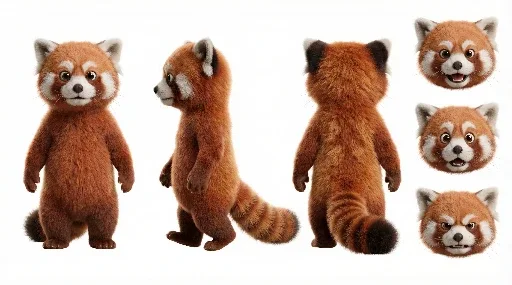
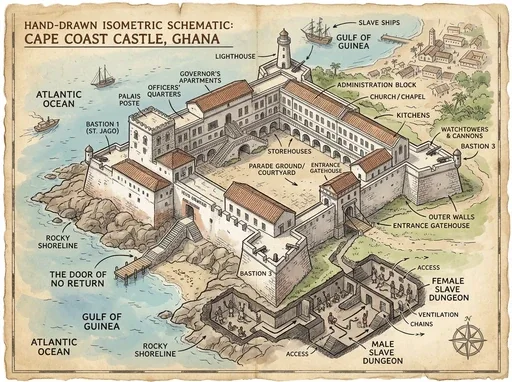
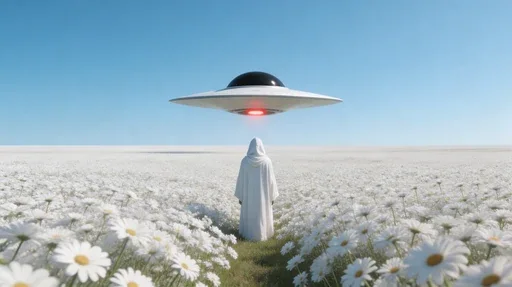
Meet Nano Banana 2, Google’s Gemini 3.1 Flash Image model. Built for creators, it combines fast generation with professional visual quality, accurate text rendering, consistent characters and flexible image generation and editing workflows.
Turn ideas into clear visuals with Nano Banana 2, or use reference images to adjust subjects, backgrounds and style. Gemini 3.1 Flash Image combines speed, detail and creative control with output up to 4K. Switch to Nano Banana 2 Lite in the same workspace for quick visual exploration.
1
Nano Banana 2 text-to-image: start with a description
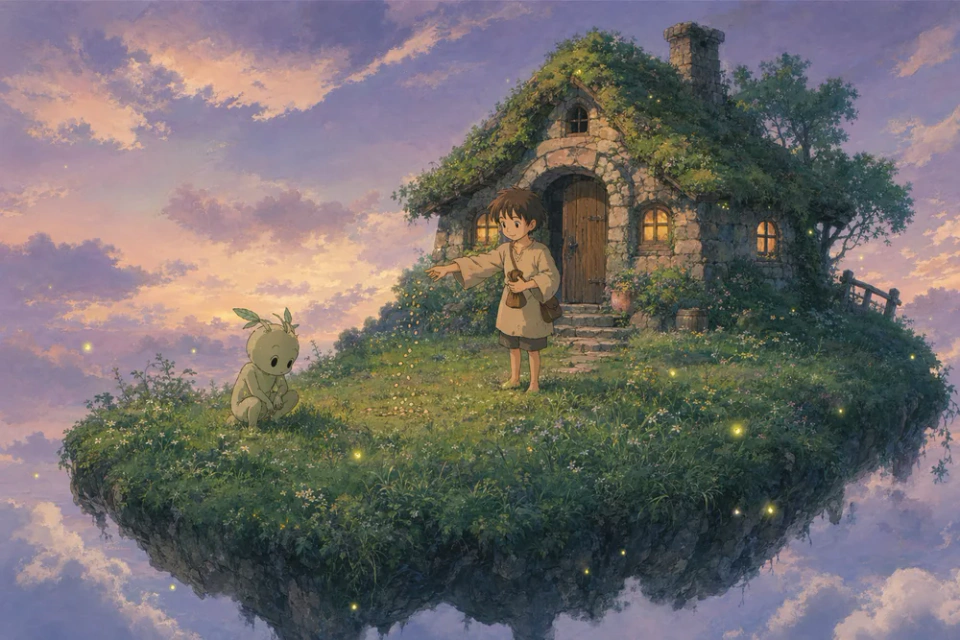
Describe the subject, setting, composition and style to turn a brief into an image. Explore portraits, brand concepts, illustrations and environments, refining light, materials and depth of field to develop different creative directions.
2
Edit photos with natural-language instructions
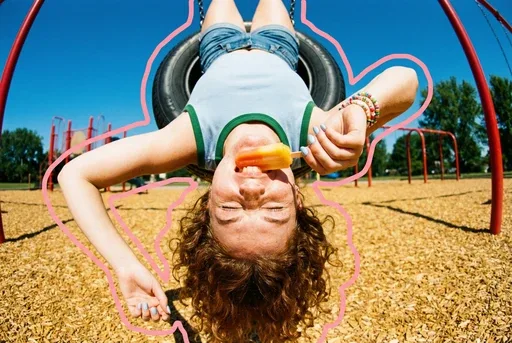
Upload an image, describe changes to backgrounds, clothing, objects or lighting, and specify the subject details to preserve. Nano Banana 2 photo editing supports style changes, new settings and focused refinements for products, portraits and existing designs.
3
Up to 4K output for detailed materials and lighting
Standard offers 1K, 2K and 4K for stages from early concepts to detailed product visuals. Choose an aspect ratio and plan the subject and negative space for posters, social graphics and brand banners.
4
Readable text for multilingual marketing visuals
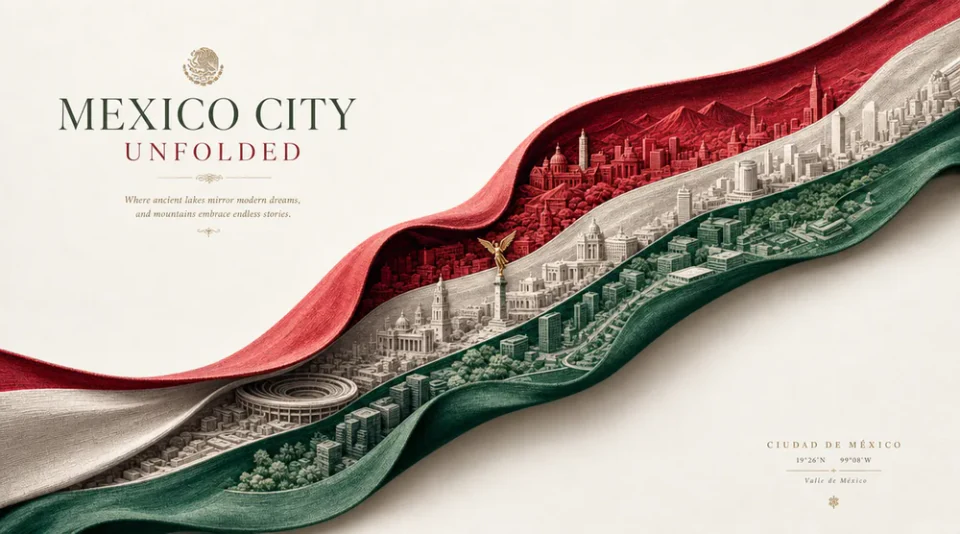
Quote the headline, label or phrase and specify its language, placement and visual hierarchy. Nano Banana 2 combines text with composition for event posters, packaging concepts and interface visuals, including language variants of the same design.
5
Multiple references and consistent characters
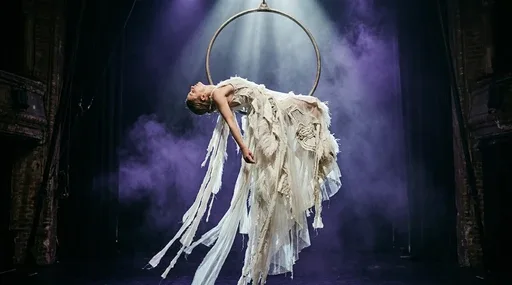
Use references to define appearance, product shape, clothing and colors before changing the setting, pose or viewpoint. Give each reference a clear role to carry recognizable subjects through photo combinations, storyboards and branded image series.
6
Guide complex compositions and real-world scenes
Describe position, scale, depth relationships and light direction using Gemini 3.1 Flash Image’s scene understanding. Break complex ideas into a clear visual hierarchy for architectural concepts, product displays and narrative illustrations.
7
Nano Banana 2 Lite: quick creative iteration at 1K
Nano Banana 2 Lite uses Gemini 3.1 Flash-Lite Image for fast 1K generation and prompt-based editing. Compare compositions, try product settings and create thumbnails or social images. Switch to Standard with the same prompt to explore higher-resolution output.
How to generate images with Nano Banana 2
Move from a description to a refined image with a clear direction at every step.
1
Describe or add references
Describe the subject, setting, style and intended use. For an existing image, choose editing and add your reference.
2
Choose model and resolution
Choose a version, aspect ratio and resolution, then review the credit cost.
3
Generate and refine
Review the result and refine the details. Save the prompt and settings to build on your idea.
Nano Banana 2 vs Nano Banana 2 Lite: detail or faster iteration?
Choose for the task you want to complete.
Compare
Nano Banana 2
Nano Banana 2 Lite
Model family
Gemini 3.1 Flash Image
Gemini 3.1 Flash-Lite Image
Output resolution
1K, 2K, 4K
1K
Creative focus
Detailed visuals and resolution flexibility
Quick drafts and frequent creative iteration
Creation modes
Text-to-image and reference-guided editing
Text-to-image and reference-guided editing
Suitable projects
Product visuals, brand posters and multilingual design
Thumbnails, social images, scene and style drafts
View credit costs by resolution
Version
Resolution
Credits / image
Nano Banana 2 Lite
1K
10
Nano Banana 2
1K
20
Nano Banana 2
2K
30
Nano Banana 2
4K
40
Creative uses for Nano Banana 2
Find a starting point for everyday content and larger visual projects.
1
E-commerce and lifestyle scenes
Place a product reference in a vanity, outdoor or home setting. Adjust lighting, materials and viewpoint to compare presentation concepts.
2
Brand posters and multilingual campaigns
Combine brand colors, headlines and products in one composition for event posters, packaging concepts and localized campaign assets.
3
Character stories and storyboards
Reuse character references and clothing descriptions while varying action, setting and framing for stories, comics or video previsualization.
4
Photo combinations and travel postcards
Combine people, backgrounds and objects from several photos for location-themed postcards, creative group portraits and shareable scenes.
5
Portrait styling and figurine concepts
Keep a subject recognizable while exploring hair, outfits and styles, or turn portraits into avatars and collectible figurine concepts.
6
Social thumbnails and design drafts
Use Lite to compare cover layouts, stickers, illustrations and scene ideas, then choose a version and resolution for your intended output.
Nano Banana 2 frequently asked questions
Learn about model choices, prompts, references and credit costs.
What is Nano Banana 2?
Nano Banana 2 is Google’s Gemini 3.1 Flash Image for text-to-image generation and reference-guided editing. It balances speed, detail, text rendering and character consistency, with 1K, 2K and 4K output in Standard.
How do Nano Banana 2 and Lite differ?
Standard uses Gemini 3.1 Flash Image with flexible resolution options. Lite uses Gemini 3.1 Flash-Lite Image for fast 1K drafts, prompt exploration and frequent image creation. Both support generation and editing.
How do I switch between Standard and Lite?
Use the Standard and Lite buttons in the creation panel. Your prompt stays in place while resolution options and the credit estimate update. Lite uses 1K; Standard offers 1K, 2K or 4K.
Can Nano Banana 2 render readable text in images?
It supports in-image text and multilingual design. Quote the exact wording and describe the language, placement, font style and hierarchy. Review the lettering and layout before publishing posters, packaging or campaign assets.
Can I combine photos, replace backgrounds or restyle portraits?
Use image editing, upload the relevant references and describe the changes. Explain which image supplies the person, object, background or style, and specify the facial, clothing or product details to retain.
How should I choose between Nano Banana Pro and Nano Banana 2?
Choose Pro for complex composition, structured typography and detailed editing. Nano Banana 2 balances fast generation with 1K, 2K and 4K options. For quick 1K drafts, choose Lite on the Nano Banana 2 page.
How should I prompt Nano Banana 2?
Start with the subject and intended use, then specify composition, light, materials and style. For edits, separate the details to keep from those to change. Put desired in-image text in quotation marks.
Which reference images can I upload?
Use JPG, PNG or WEBP images. Follow the reference count and file size shown in the upload area. Choose clear images and explain the role of each reference in your prompt.
How many credits does an image cost?
Credits depend on version, resolution and image count. The table lists per-image costs, and the generate button shows the total for your task.
How can I edit a generated image?
Download the result and upload it as a reference in image editing, then describe the next change. Save a draft to retain your prompt and settings.
Ready to create your next image with Nano Banana 2?
 Nano Banana 2.5