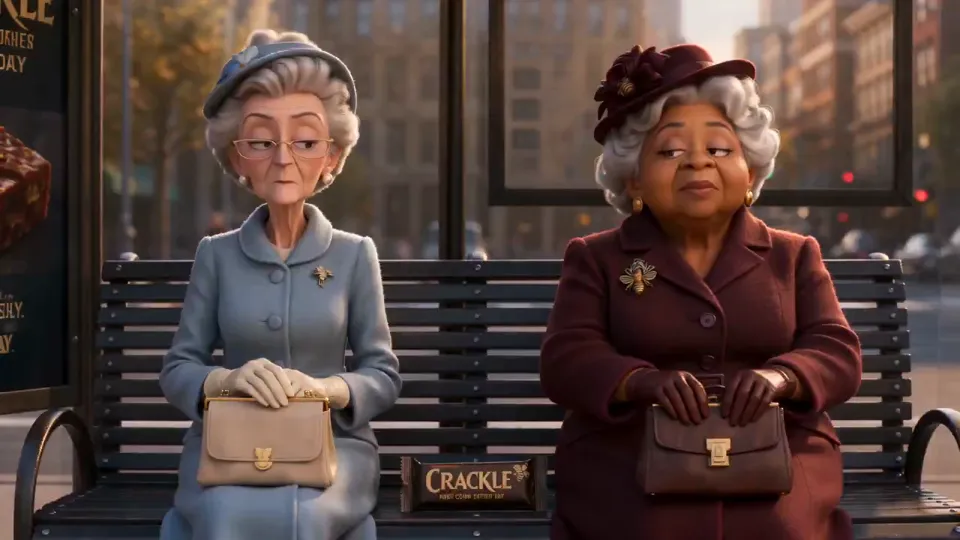
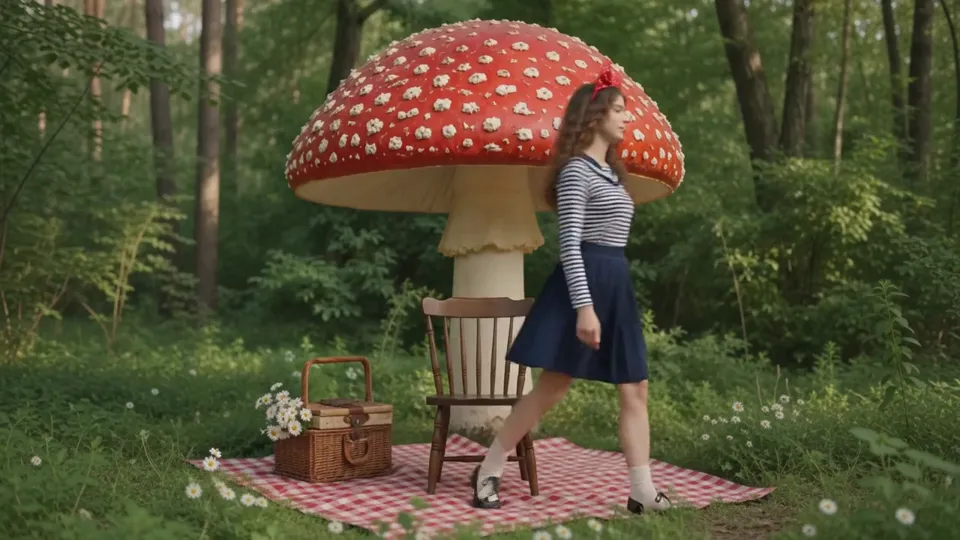
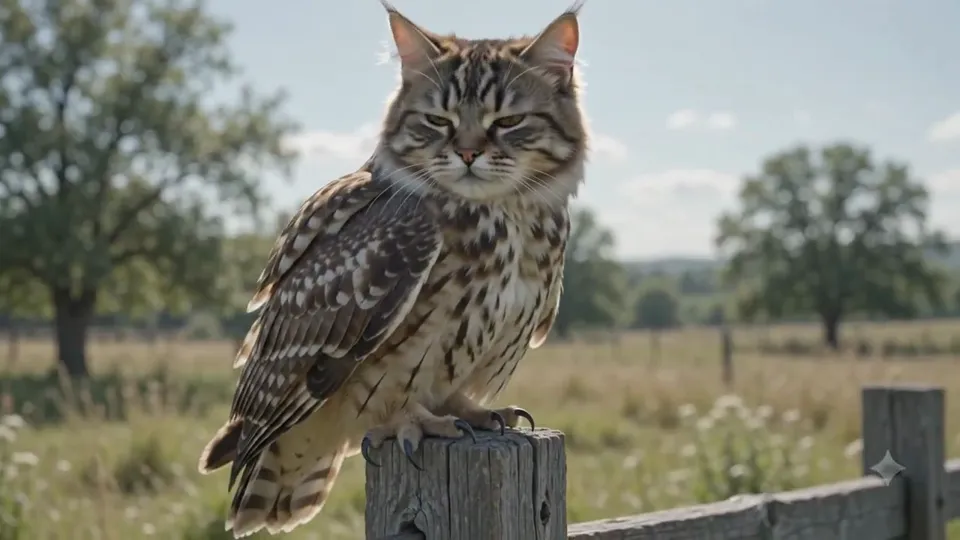
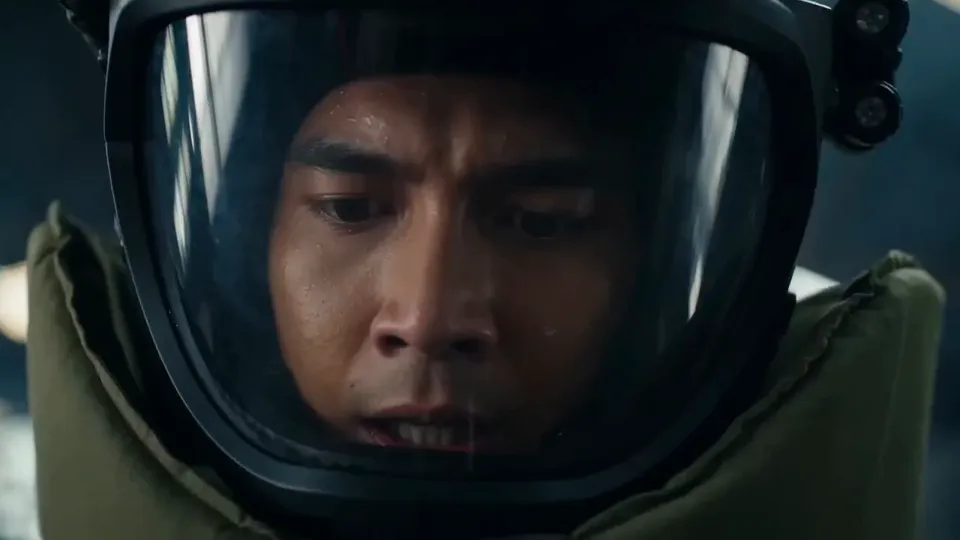
MiniMax H3 (Hailuo 03) is a multimodal video model combining text, images, video and audio, with output up to 2K and native stereo sound. Shape characters, camera movement and audiovisual detail through references, motion transfer and focused editing.
Estimated costLoading prices…
MiniMax H3 · Imagine freely. Create effortlessly.
MiniMax H3: tell stories through visuals, motion and sound
Move from a written idea to frame-guided animation or combined image, video and audio references. Direct performances, camera progression and sound in natural language to create product films, character stories and commercial visuals.
1
Create audiovisual scenes from text
Describe the setting, subjects, actions and shot sequence, including dialogue, music, ambience and sound effects in the same brief. MiniMax H3 text-to-video helps turn an idea into a short film with deliberate pacing.
2
Animate images and keyframes
Establish a subject, product or setting with one image and describe the motion. Supply opening and ending frames to guide the transition, for animated posters, product showcases, performances and visual transitions.
3
Guide appearance and motion with multimodal references
Use images for identity and product appearance, video for action and camera rhythm, and audio for sound direction. Assign each reference a role so Hailuo 03 can coordinate style, performance and sound within the shot.
4
Up to 2K video with native stereo sound
Choose 768P or 2K output and plan dialogue, footsteps, music and ambience in your prompt. Connect actions with sound cues to shape the audiovisual design of ads, stories and atmospheric clips.
5
Motion transfer and focused video editing
Use a reference video to guide performance and camera language, or specify changes to clothing, products, backgrounds and lighting. List what should change and what should remain to keep edits focused on your creative goal.
Model specifications
Duration
4–15s
Resolution
768P / 2K
Prompt limit
7,000 characters
Reference images
9
How to generate AI video online
1
Describe the shot and references
Describe the subject, action, setting and camera movement. Explain what each reference image or video should guide.
2
Choose mode, quality and duration
Start with text, first and last frames, or multimodal references. Choose the aspect ratio and available quality, then review the credit estimate.
3
Review results and refine
Open Results to follow progress and view your video. Refine the prompt based on motion, framing and detail before generating another version.
What can you create with MiniMax H3?
Advertising and product showcases
Combine close-ups, feature demonstrations, materials and sound to develop product images into marketing clips.
Character stories and animated posters
Build actions around identity, clothing and performance, adding music and environmental changes to give illustrations a narrative rhythm.
Film concepts and interface animation
Explore composition, camera progression and transitions from references for film previsualization, game concepts and interface motion studies.
Give Hailuo 03 clearer creative direction
1
Assign reference roles
Specify which image guides appearance, which video guides motion and which audio guides sound to reduce conflicting directions.
2
Sequence actions and sound
Divide the opening, development and ending into stages with actions, camera moves and sound changes for a paced 4–15 second clip.
3
Specify details to preserve
Identify faces, clothing, product proportions, materials and branding to preserve. Focus each edit on specific changes so results are easier to compare.
MiniMax H3 (Hailuo 03) FAQ
Explore creation modes, output settings and credit usage.
Are MiniMax H3 and Hailuo 03 the same model?
Yes. MiniMax H3 is also called Hailuo 03, a multimodal video model combining text, images, video and audio for reference-guided creation and editing.
Which creation modes does MiniMax H3 support?
Start with text, an image, first and last frames, or multimodal references. Frame mode accepts text alone or a first or last image; reference mode combines images, video and audio.
What duration and resolution does Hailuo 03 support?
The creation panel offers 4–15 seconds and 768P or 2K output. Choose duration and quality for your purpose, then review the credit estimate.
Can MiniMax H3 generate video with sound?
It supports native stereo sound. Describe dialogue, music, ambience and effects in the prompt, or add audio in reference mode to guide sound and rhythm.
How do I edit existing video with MiniMax H3?
Add video in reference mode and describe changes to subjects, clothing, backgrounds, lighting or sound, along with the composition and motion to preserve. Follow the panel’s reference format, count and duration limits.
How many credits does a video cost?
Credits vary with model, quality, duration, references and task count. Review the estimate in the creation panel before submitting.
 Nano Banana 2.5