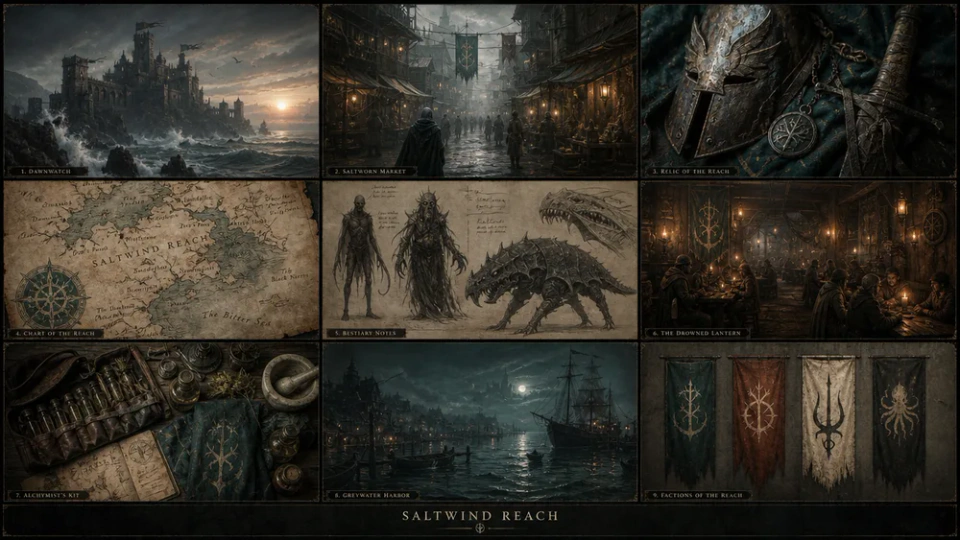
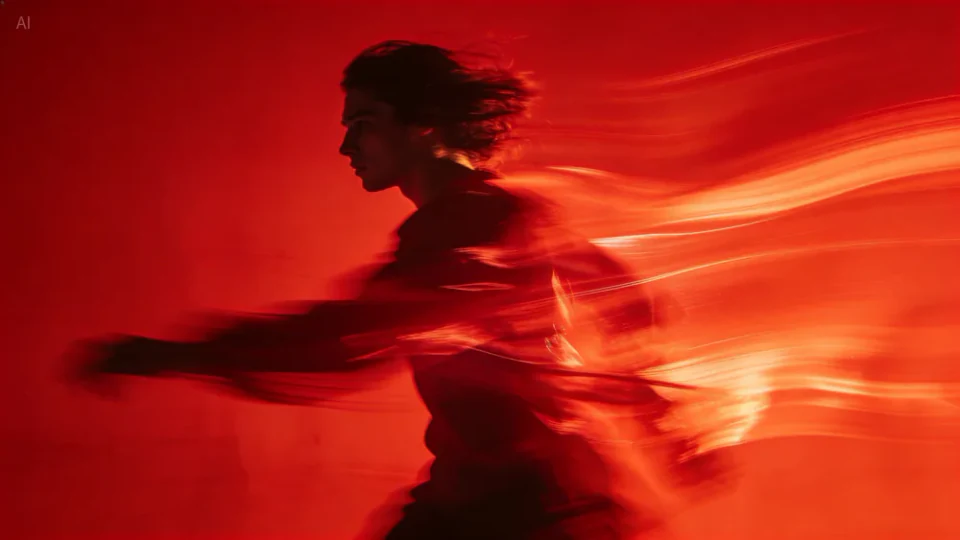
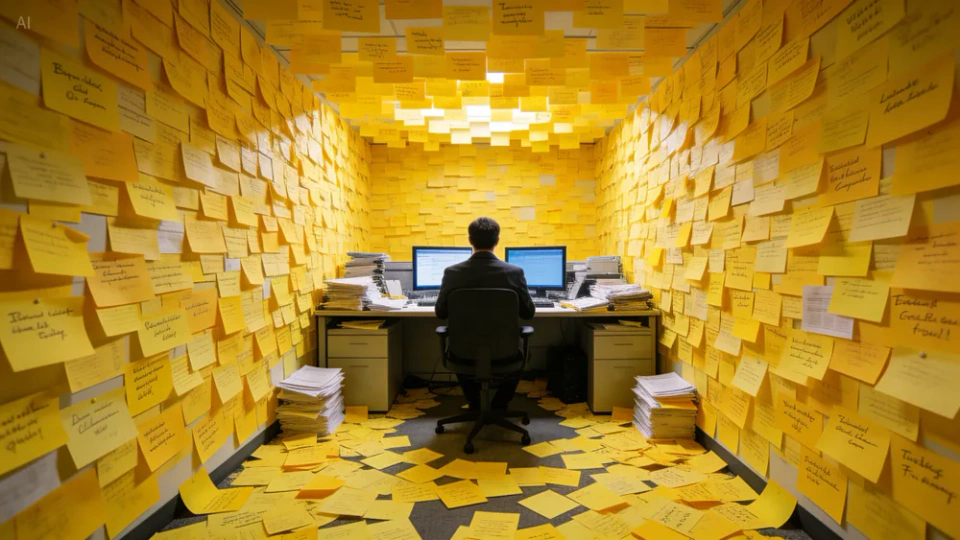
Nano Banana 2.5 is an advanced image generation and editing model from Google, designed to deliver clearer visual quality, stronger reference fidelity and more precise refinements. It generates more natural lighting and textures, preserves subjects more consistently, and follows complex visual instructions more accurately across multiple edits.
The most significant improvement is speed. Nano Banana 2.5 generates images much faster than Nano Banana 2. In our tests, complex prompts took only a few seconds to render. This is fast enough for rapid iteration,
1
Real-world knowledge integration
Nano Banana 2.5 draws on Gemini’s real-world knowledge base and can use real-time web search to assist image generation. This means it can render specific objects more accurately and create infographics using up-to-date data.
2
Resolution and quality
Visual quality improvements go beyond resolution. Google emphasizes “more vibrant lighting, richer textures and sharper details.” In our tests, realistic scenes, such as landscapes and product photos, showed significant improvements in texture detail and lighting consistency compared with previous models.
3
Character and object consistency
One of Nano Banana 2.5’s highlights is object consistency. The model can maintain the likeness of multiple characters across images. You can generate a series of images featuring the same characters in different situations without worrying about their appearance changing randomly between frames.
How to generate images with Nano Banana 2.5
Move from a description to a refined image with a clear direction at every step.
1
Describe or add references
Describe the subject, setting, style and intended use. For an existing image, choose editing and add your reference.
2
Choose aspect ratio and resolution
Choose an aspect ratio and available resolution, then review the credit cost.
3
Generate and refine
Review the result and refine the details. Save the prompt and settings to build on your idea.
Nano Banana 2.5 vs Nano Banana 2
Building on Nano Banana 2, Nano Banana 2.5 delivers comprehensive improvements through more precise local editing, stable multi-step refinement, lower latency, realistic lighting and stronger production reliability.
Feature
Nano Banana 2.5
Nano Banana 2
Focus
Advanced image generation and editing focused on precise changes, rapid iteration, visual realism and production workflows
General-purpose AI image generation and editing for everyday creative, design and marketing workflows
Local editing
More precisely replace text, clothing, objects and selected visual elements while preserving surrounding details
Supports targeted image editing, but complex changes may affect more of the surrounding image
Iterative editing
Better preserves previous changes across multiple editing rounds for a more stable refinement process
Supports multi-step editing, but visual details may drift more noticeably between revisions
Generation speed
Up to 50% lower generation latency for faster image creation and editing workflows
Strong generation performance, but longer waits compared with Nano Banana 2.5
Use cases
Local editing, text replacement, product visuals, marketing assets, iterative design and production workflows
General AI image generation, concept art, social content, marketing visuals and flexible image editing
View credit costs by resolution
Version
Resolution
Credits / image
Nano Banana 2.5
1K
18
Nano Banana 2.5
2K
28
Nano Banana 2.5
4K
36
Creative uses for Nano Banana 2.5
Find a starting point for everyday content and larger visual projects.
1
Campaign creative
Develop a layout, lighting and focal point around your next creative brief.
2
Product concepts
Use references to explore backgrounds, materials and camera angles.
3
Contemporary posters
Plan subjects and negative space for the format you intend to publish.
4
Brand visual direction
Set a shared direction through color, shape and scene descriptions.
5
UI and presentation concepts
Translate a complex idea into visual elements with a clear hierarchy.
6
Character and scene illustration
Explore a story through its characters, mood and environment.
Nano Banana 2.5 frequently asked questions
Learn about model choices, prompts, references and credit costs.
What can I create with Nano Banana 2.5?
Nano Banana 2.5 offers online AI image generation and editing. Create product visuals, portraits, posters, illustrations and scene concepts from text, or upload references to adjust backgrounds, lighting, style and details. Choose 1K, 2K or 4K output.
What is the difference between text-to-image and image editing in Nano Banana 2.5?
Use text-to-image to start from scratch with a subject, setting, composition and style. Use image editing for an existing photo or design: upload it and describe both the changes and the people, objects or layout to retain. Switch modes above the creation panel.
How can I keep characters or products consistent with Nano Banana 2.5?
Reuse clear references and specify the facial features, clothing, product shape, colors and materials to preserve. Explain each reference’s role, then separately describe changes to the pose, background or viewpoint. Keep the core description consistent throughout a series.
Can Nano Banana 2.5 create posters with text and multilingual visuals?
Provide the exact in-image wording in quotation marks and specify its language, placement, alignment and hierarchy. Reuse a reference with different text for language variants. Check spelling, numbers and layout before publishing.
How do I make a focused edit with Nano Banana 2.5?
Choose image editing, upload the original and describe the target and scope of the change, including what to preserve. For example: “Change the background to a warm studio; keep the face, clothes and pose.” Focus on a related set of changes at a time to compare and refine results.
How should I prompt Nano Banana 2.5?
Start with the subject and intended use, then specify composition, light, materials and style. For edits, separate the details to keep from those to change. Put desired in-image text in quotation marks.
Which reference images can I upload?
Use JPG, PNG or WEBP images. Follow the reference count and file size shown in the upload area. Choose clear images and explain the role of each reference in your prompt.
How many credits does an image cost?
Credits depend on version, resolution and image count. The table lists per-image costs, and the generate button shows the total for your task.
How can I edit a generated image?
Download the result and upload it as a reference in image editing, then describe the next change. Save a draft to retain your prompt and settings.
Are free trial credits available?
Yes. Nano Banana 2.5 offers free trial credits. Sign in to view your available credits and check the cost before submitting a task. Once your trial credits are used, you can choose a credit plan.
Ready to create your next image with Nano Banana 2.5?
 Nano Banana 2.5