Nano Banana 2.5 Multi-Shot AI Video Generator
Native Video and Audio
Plan connected scenes, preserve characters and visual direction, and generate native audio as individual clips become a longer multi-shot story.
Connected shots
Consistent Characters and Visual Direction
Native audio
Native Video and Audio
Up to 20 seconds
Text, Image, and Video References
Generation Quality
Aspect Ratio
Global Reference Image (max 1)
Shot 1 Video Description
Manage this shot's elements in a dedicated dialog.
Each @element token counts as 37 characters
Shot 0/500 | Total 0/12001 items need to be completed
- Each shot must have a prompt
Ultra Mode has a higher usage threshold and cost. Non-professional users may experience less optimal results due to the complexity of scene coordination and timing control. Please use with caution.
Tiered pricing by resolution, shot mode, and total duration▼
Single-shot (720p std / 1080p pro / 2160p 4K): 1-5s 25/30/75 credits/s; 6-10s 21/25/63 credits/s; 11-15s 18/24/60 credits/s
Multi-shot (720p std / 1080p pro / 2160p 4K): 1-5s 28/32/80 credits/s; 6-10s 25/28/70 credits/s; 11-15s 21/25/63 credits/s
Numbers are shown as std/pro/4K credits per second.
Generation Results
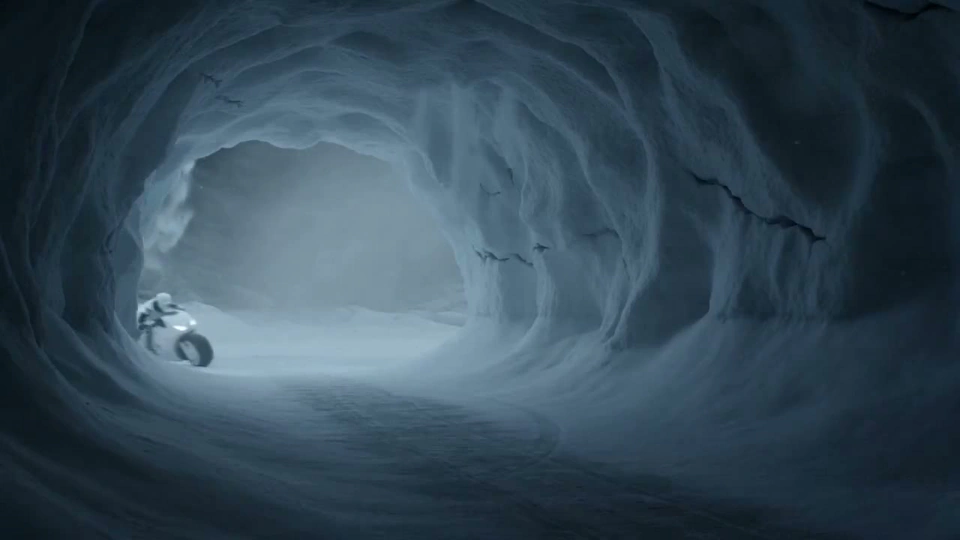
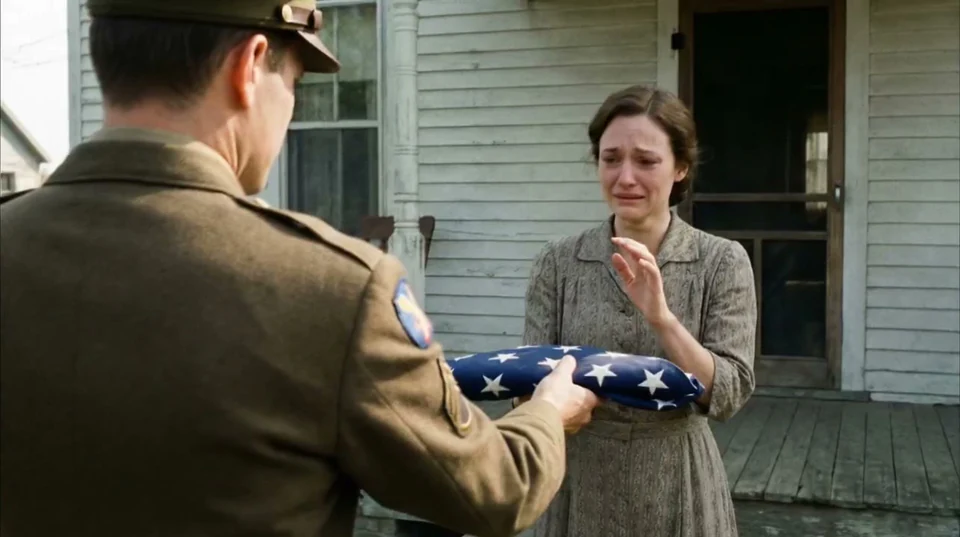
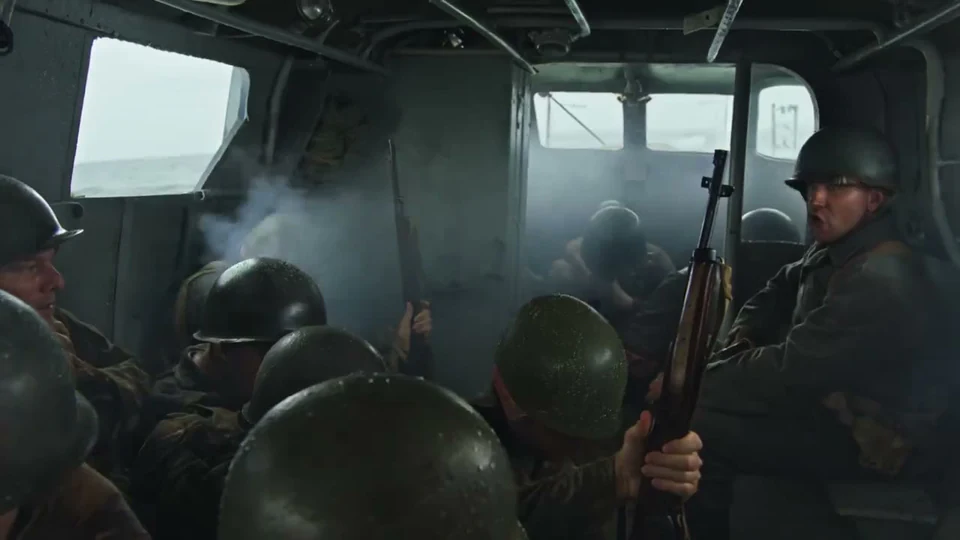
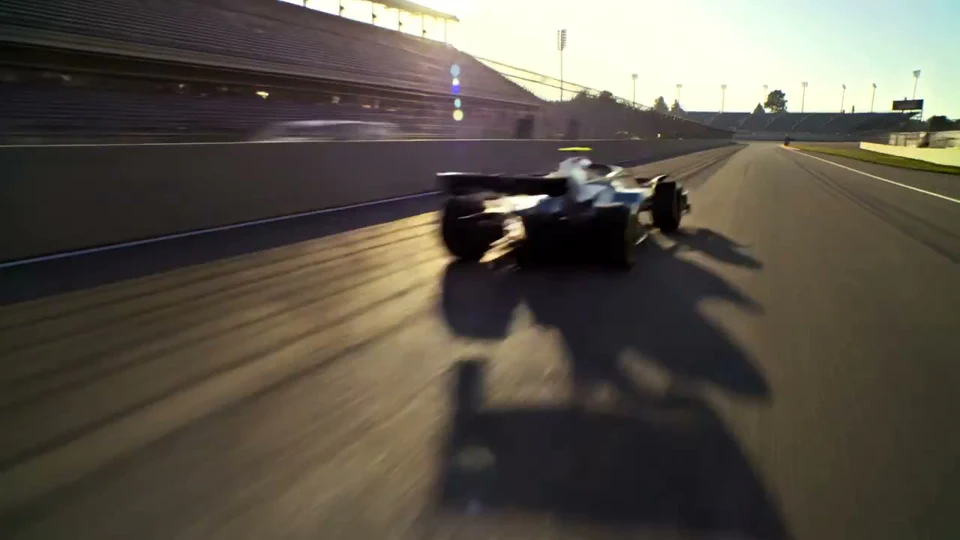
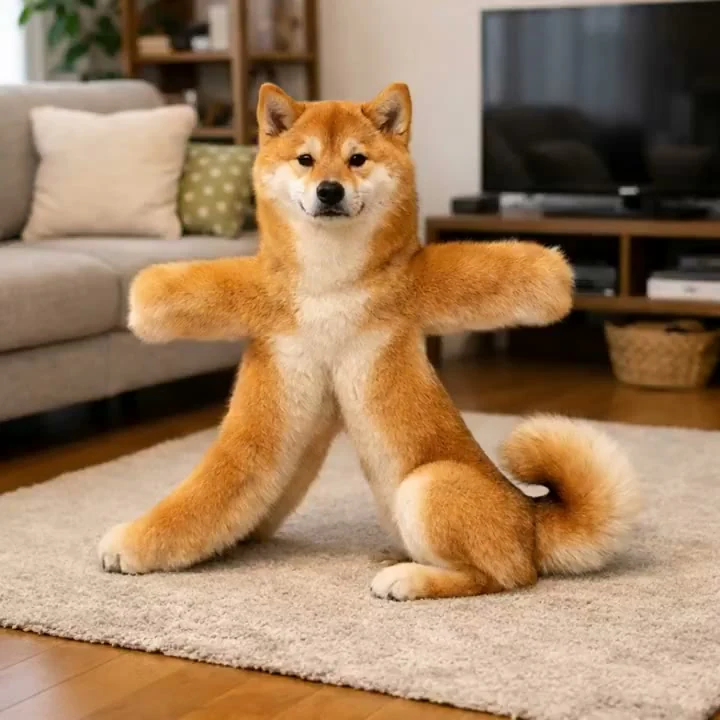
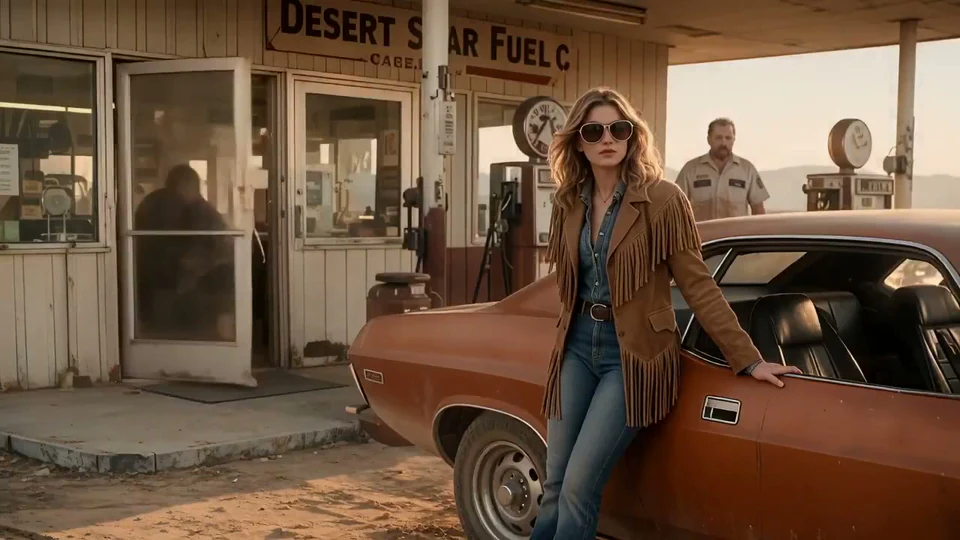
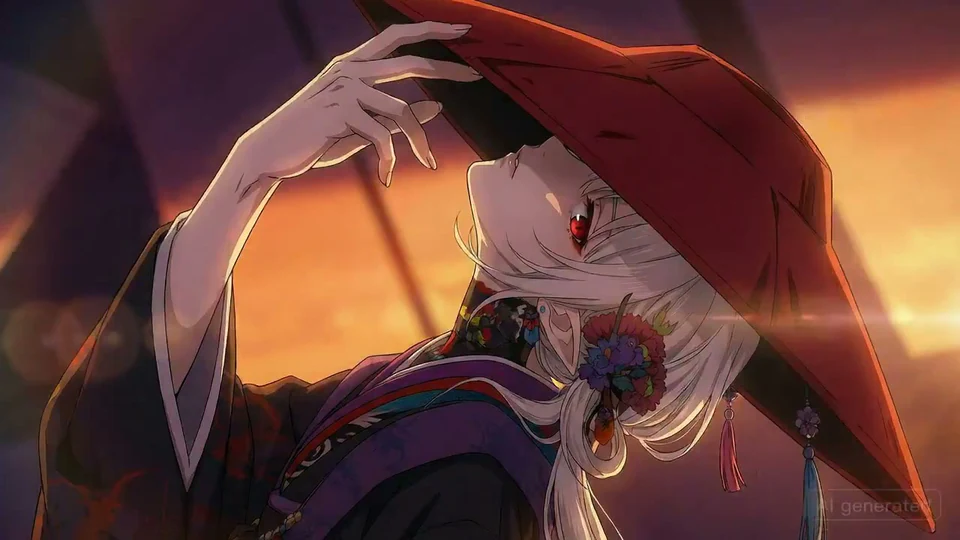
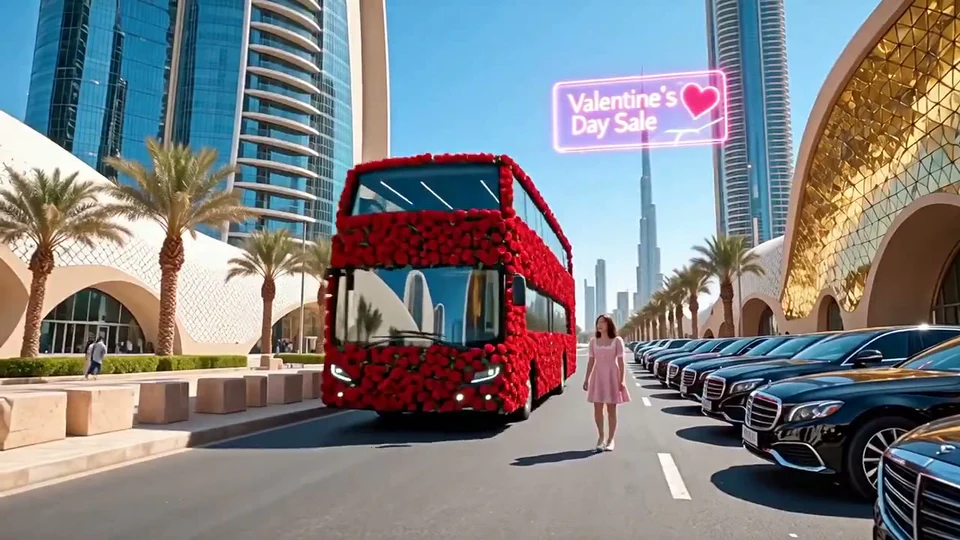
Nano Banana 2.5 Multi-Shot AI Video Generator: Keyframes and Creative Control
Explore a shared creation workflow for images, video, native audio, references, editing, keyframes, and consistent multi-shot storytelling.
Consistent Characters and Visual Direction
Use references and connected clips to carry central subjects, product identity, typography, and style across a sequence.
Native Video and Audio
Generate video and audio together, including dialogue and sounds linked to visible events, for a more coherent first cut.
Text, Image, and Video References
Start from a prompt, animate an image, carry a subject from a source clip, or continue an existing audiovisual sequence.
Keyframes and Creative Control
Define important moments and guide transitions between them while keeping camera, motion, and scene intent clear.
Creative Control
Set the workflow, key moments, dialogue, and creative constraints.
Nano Banana 2.5 Multi-Shot AI Video Generator: How to Create with Nano Banana 2.5
Move from creative intent to a reusable image or video asset in four focused steps.
Nano Banana 2.5 Multi-Shot AI Video Generator
Plan connected scenes, preserve characters and visual direction, and generate native audio as individual clips become a longer multi-shot story.
Native Video and Audio
Text, Image, and Video References
Native Video and Audio
Create with Nano Banana 2.5 AI Video Generator
Create advertising concepts, e-commerce visuals, social clips, storyboards, localized campaigns, and connected narrative sequences.
Native Video and Audio
Consistent Characters and Visual Direction
Create advertising concepts, e-commerce visuals, social clips, storyboards, localized campaigns, and connected narrative sequences.
Native Video and Audio
Multilingual dialogue
Create advertising concepts, e-commerce visuals, social clips, storyboards, localized campaigns, and connected narrative sequences.
Native Video and Audio
Nano Banana 2.5 Multi-Shot AI Video Generator
Plan connected scenes, preserve characters and visual direction, and generate native audio as individual clips become a longer multi-shot story.
Nano Banana 2.5 Multi-Shot AI Video Generator: Nano Banana 2.5 FAQ: Image, Video, Audio, and Workflows
Plan connected scenes, preserve characters and visual direction, and generate native audio as individual clips become a longer multi-shot story.
What can I create with Nano Banana 2.5 AI Video Generator?
Plan connected scenes, preserve characters and visual direction, and generate native audio as individual clips become a longer multi-shot story.
Can Nano Banana 2.5 AI Video Generator create native audio and dialogue?
Generate video and audio together, including dialogue and sounds linked to visible events, for a more coherent first cut.
Which inputs work with Nano Banana 2.5 AI Video Generator?
Start from a prompt, animate an image, carry a subject from a source clip, or continue an existing audiovisual sequence.
How do keyframes help shape a Nano Banana 2.5 video?
Define important moments and guide transitions between them while keeping camera, motion, and scene intent clear.
How does Nano Banana 2.5 keep characters and visual direction consistent?
Use references and connected clips to carry central subjects, product identity, typography, and style across a sequence.
Can I extend an existing audiovisual sequence with Nano Banana 2.5?
Create advertising concepts, e-commerce visuals, social clips, storyboards, localized campaigns, and connected narrative sequences.
Nano Banana 2.5 AI Video & Image Generator
Nano Banana 2.5 AI Video & Image Generator brings image generation, image editing, video generation, native audio, and reference-guided creation into one workspace. Move from a prompt or visual reference to consistent campaign assets, product stories, and multi-shot sequences.
Nano Banana 2.5 AI Video Generator for Native Audio & Connected Stories
Create a complete audiovisual sequence with Nano Banana 2.5 AI Video Generator. Start from text, animate a still image, transform source footage, or continue an existing clip while guiding motion, key moments, dialogue, and sound.
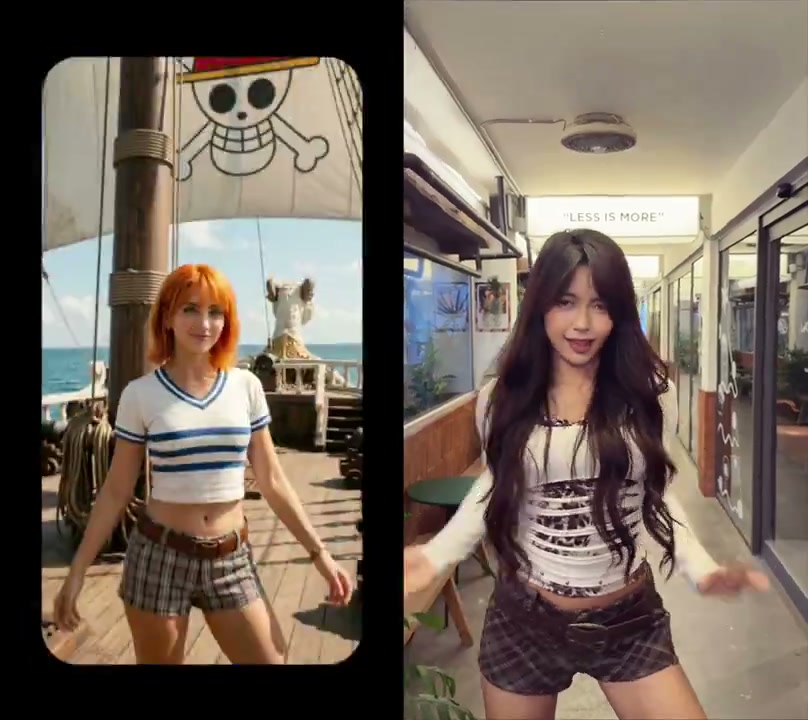
Home
Nano Banana 2.5 AI Video & Image Generator brings image generation, image editing, video generation, native audio, and reference-guided creation into one workspace. Move from a prompt or visual reference to consistent campaign assets, product stories, and multi-shot sequences.
Nano Banana 2.5 Image
Turn a written brief or reference image into polished visuals with Nano Banana 2.5 AI Image Generator. Build product images, campaign concepts, posters, and social assets while guiding composition, style, typography, aspect ratio, and resolution.